

The VSeeBox V6 Plus is one of the easiest streaming boxes to install. In most cases, setup takes less than 5 minutes and gives you access to thousands of live channels, movies, and TV shows.
This guide walks you through the complete setup process from unboxing to watching your first channel.
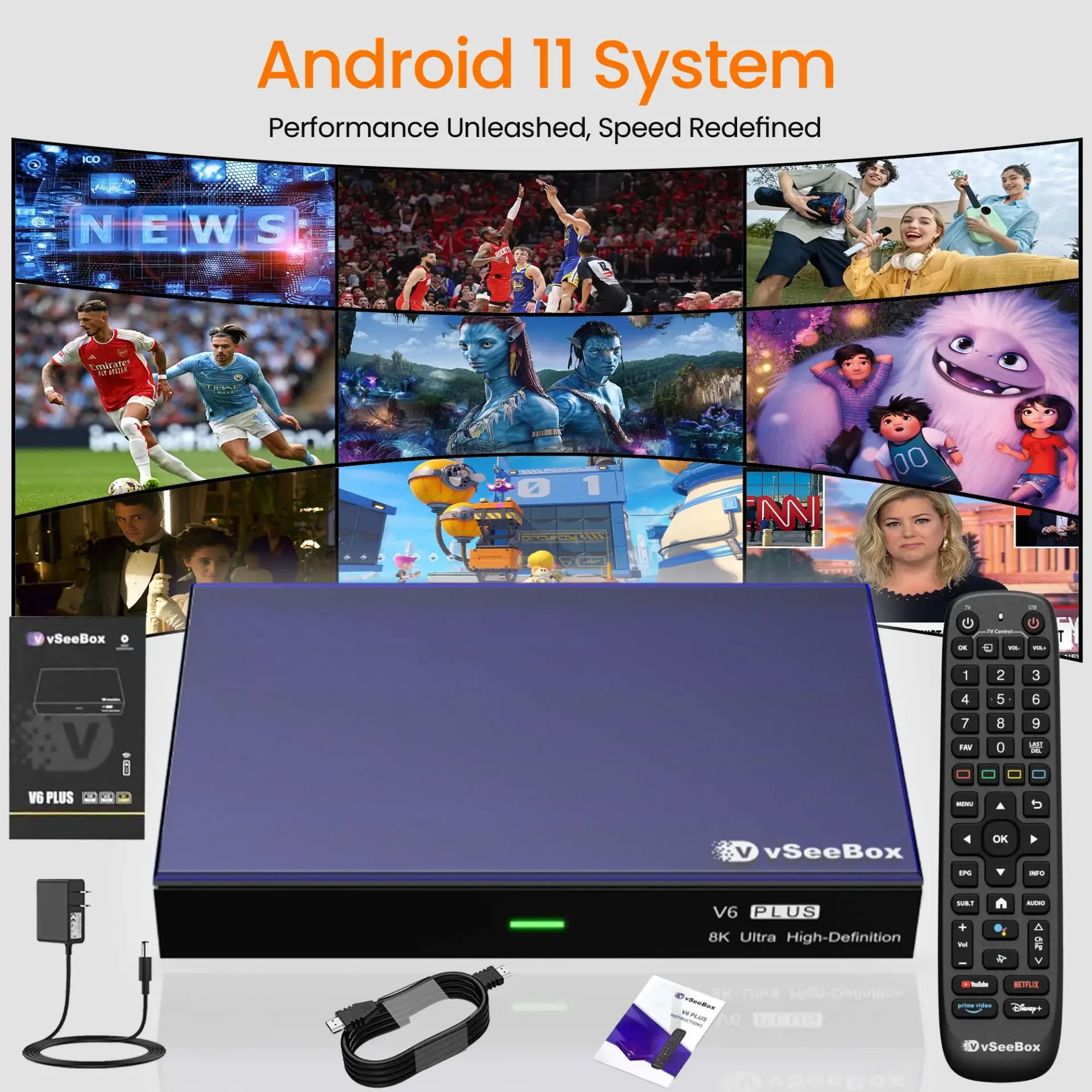
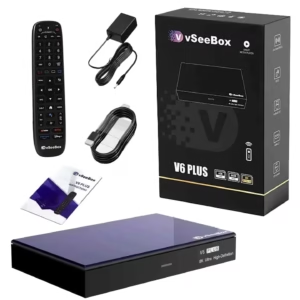
What Comes in the Box
• VSeeBox V6 Plus streaming device
• Remote control
• HDMI cable
• Power adapter
• User manual
1. Wait for the boot animation to complete

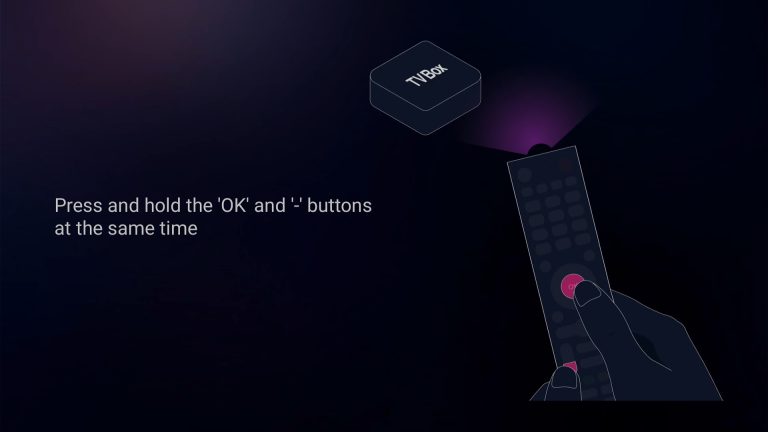
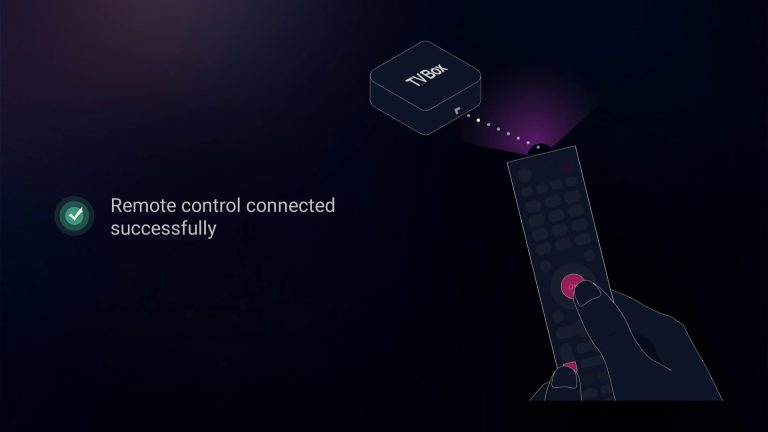
2.Pairing a Bluetooth remote control: Press and hold the [OK] and [- Volume] buttons at the same time. After pairing is successful, “Remote control connected successfully” will be displayed and the next step will be automatically entered;
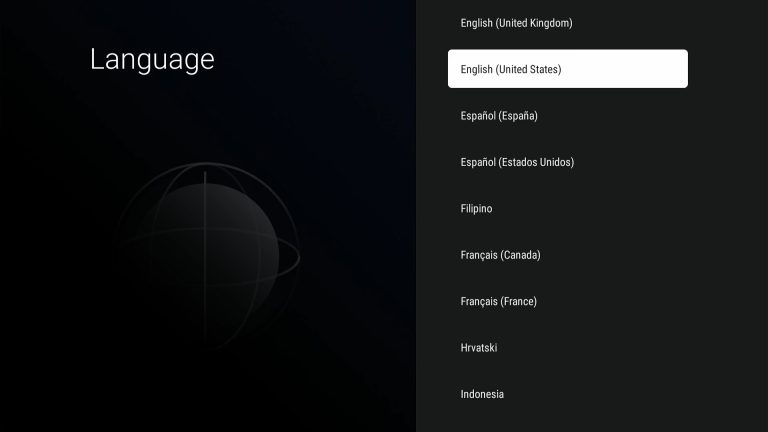
3. Select your Language, then press [OK] to next;
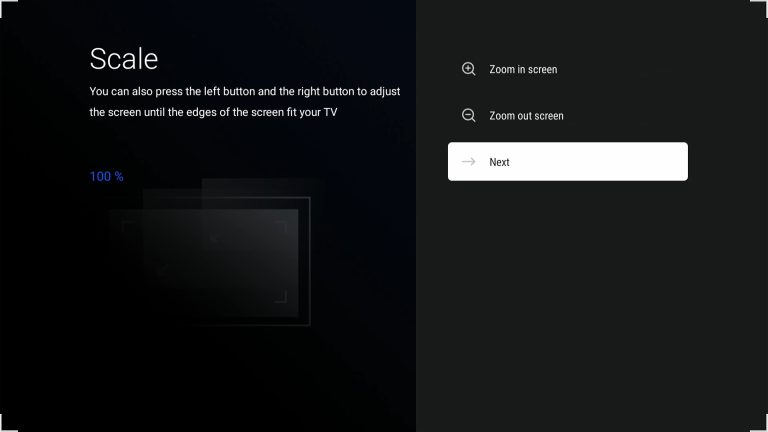
4. Adjust the screen size according to your display effect until the screen edge matches the TV, then select NEXT and press [OK] to proceed to the next step
5. Select time zone, then press [OK] to next;
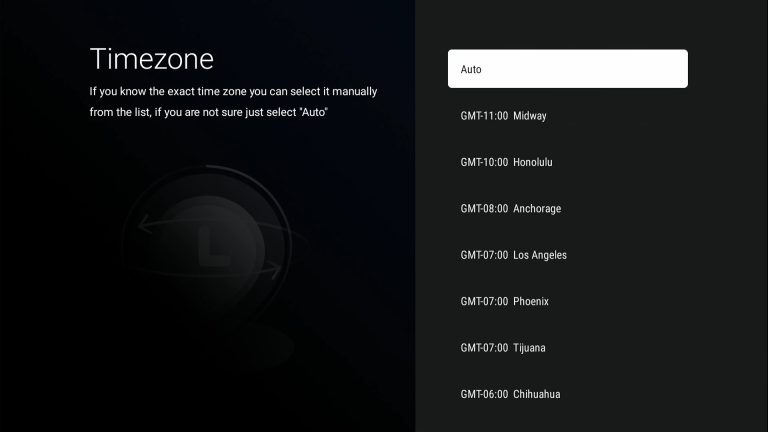
6. Read our agreement, press [▼] to select the Agree button, and press [OK] to proceed to the next step

7.Select your WIFI and press [OK] to enter the password
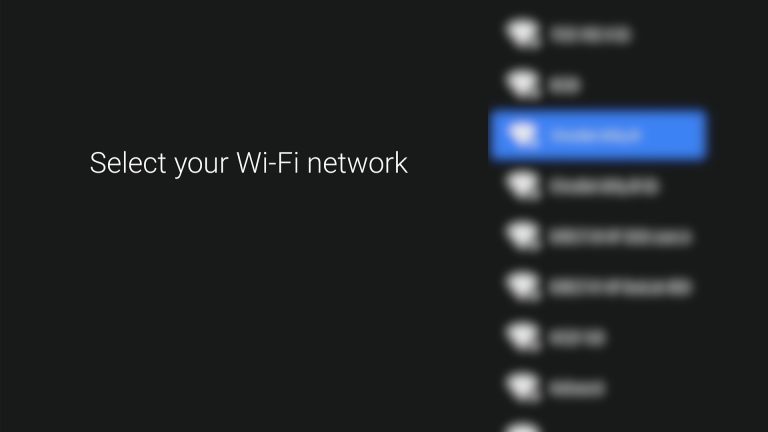
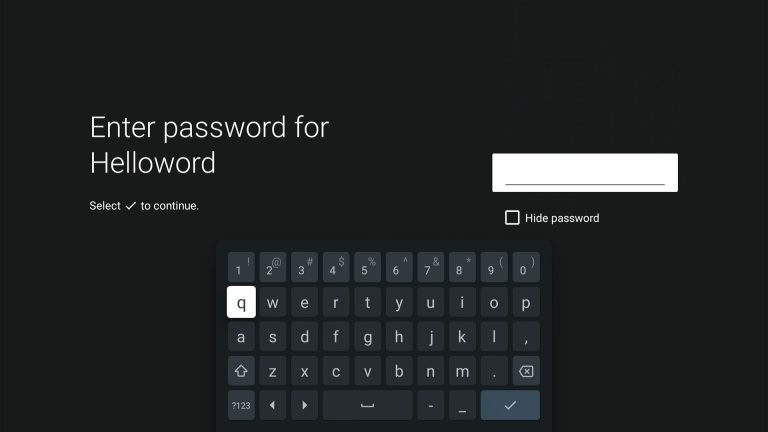
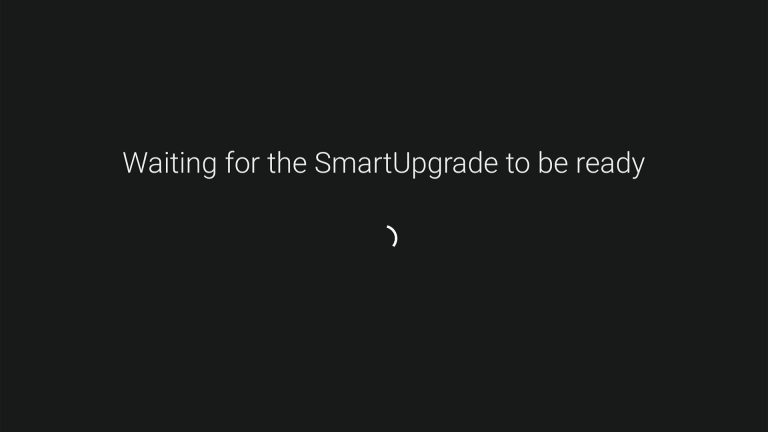
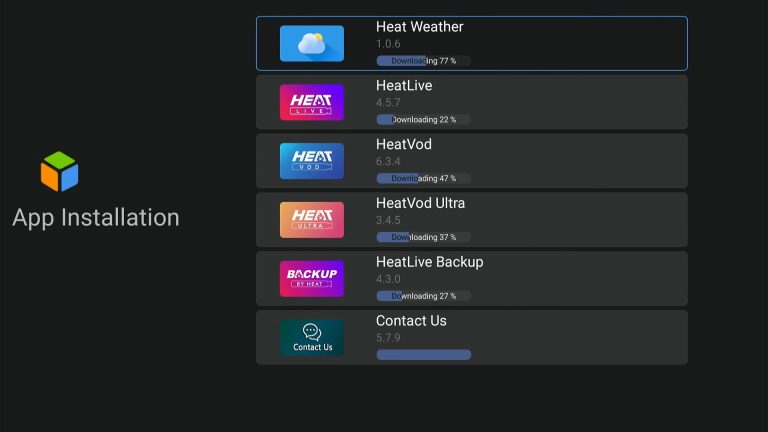
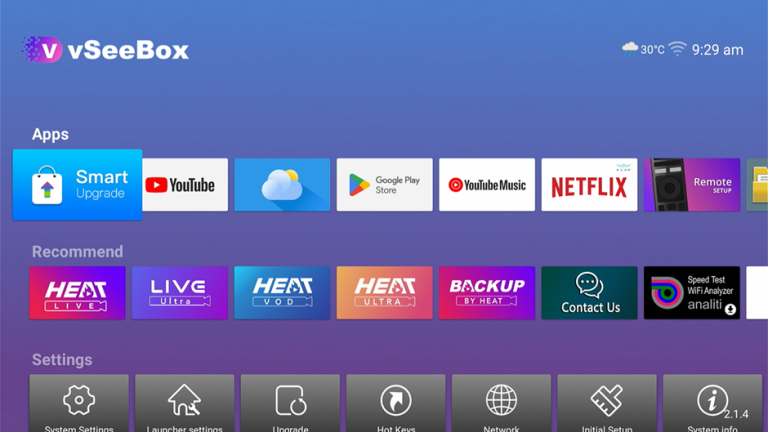
8. All subsequent operations will be completed automatically without any intervention on your part. Including automatic configuration and App installation,After everything is completed, you will automatically enter the desktop!
To ensure the best experience with the VSeeBox V6 Plus, follow these recommendations.
A wired connection prevents buffering.
For smooth streaming:
Minimum: 25 Mbps
Recommended: 50–100 Mbps
After installing the device:
Restart the VSeeBox
Restart your router
This refreshes the connection and improves performance.
For any other queries, please contact our online customer support agent or email info@vsee-box.com and we will get back to you as soon as possible.